Introduction
Not every security threat comes from outside the organization.
Sometimes the biggest risks come from:
- Compromised internal accounts
- Disgruntled employees
- Accidental misuse of sensitive data
- Users bypassing policies
Traditional security tools focus heavily on external threats.
But organizations also need visibility into:
Risky behavior happening internally.
This is where Microsoft 365 Insider Risk Management becomes valuable.
What Is Insider Risk Management?
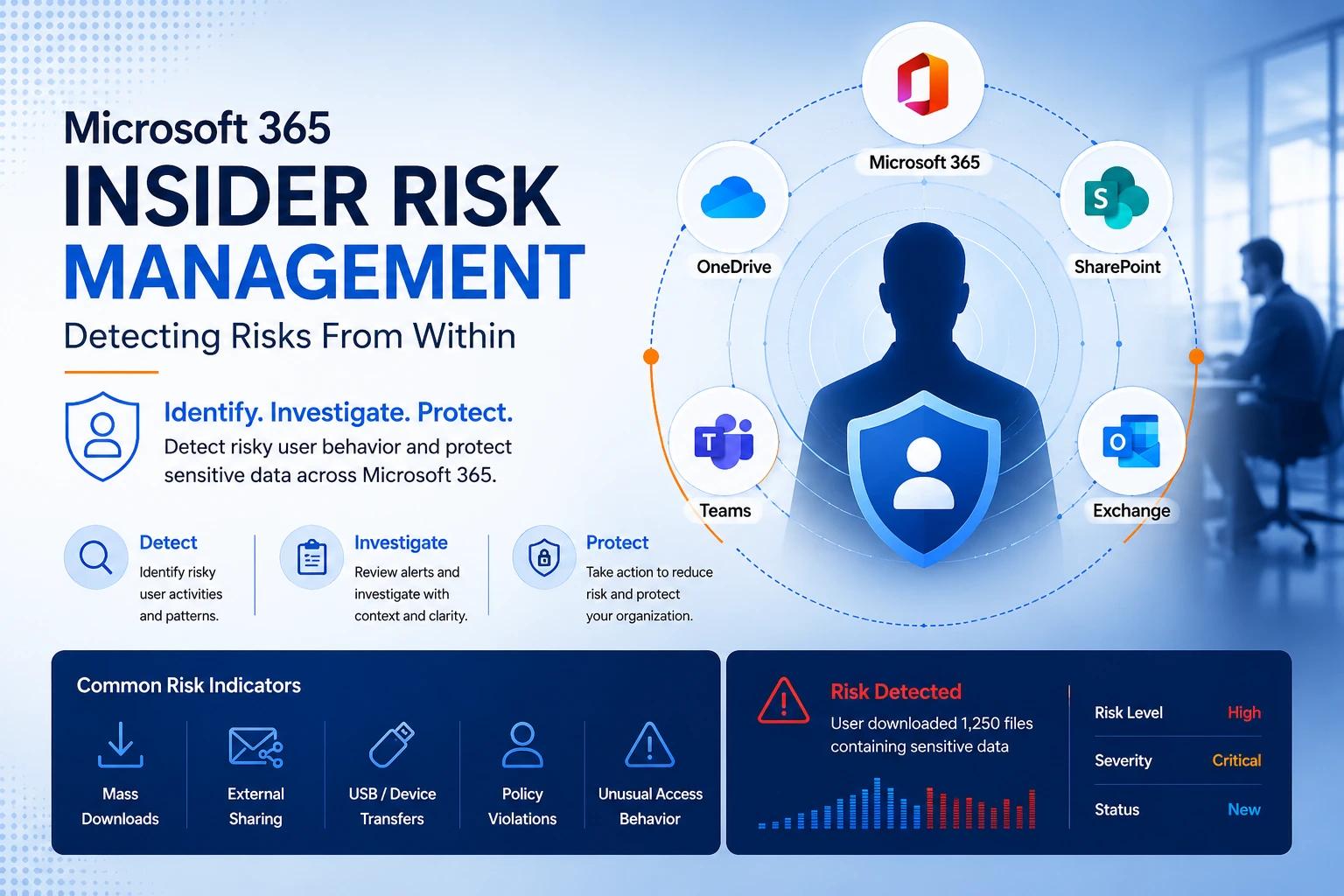
Microsoft Insider Risk Management helps organizations:
- Detect risky internal activity
- Identify policy violations
- Protect sensitive data
- Investigate suspicious behavior
It uses signals across Microsoft 365 services to identify patterns that may indicate risk.
Why Insider Risks Matter
Insider risks are difficult because:
- Users already have access
- Activity may appear legitimate
- Threats are often behavioral, not technical
Examples include:
- Downloading large amounts of data before resignation
- Sharing confidential files externally
- Repeated policy violations
- Unusual access behavior
Not all insider risks are malicious — many are accidental.
How Insider Risk Management Works
The platform analyzes signals from:
- Exchange Online
- SharePoint
- OneDrive
- Teams
- Endpoint activity
It then:
- Detects suspicious patterns
- Assigns risk indicators
- Generates alerts for investigation
Key Capabilities
1. Risk Indicators
Microsoft monitors activities such as:
- Mass downloads
- Sensitive file sharing
- USB transfers
- Data exfiltration behavior
Policies can trigger alerts based on these indicators.
2. Policy Templates
Built-in templates simplify deployment.
Examples:
- Data theft by departing employees
- Security policy violations
- Risky browser usage
- Sensitive information misuse
3. Case Management
Admins can:
- Review alerts
- Investigate activity timelines
- Correlate user behavior
- Escalate incidents if needed
4. Privacy Controls
Microsoft includes privacy protections such as:
- Role-based access
- User anonymization
- Audit logging
This helps balance security with employee privacy.
Real-World Use Cases
Departing Employee Risk
An employee preparing to leave:
- Downloads large amounts of data
- Shares files externally
Insider Risk Management detects abnormal activity patterns.
Accidental Data Exposure
A user repeatedly shares sensitive files incorrectly.
The system:
- Detects risky behavior
- Generates alerts
- Helps prevent further exposure
Policy Violations
Detect:
- Repeated unsafe actions
- Non-compliant data handling
- High-risk behavior trends
Insider Risk vs DLP
FeatureInsider RiskDLPFocusUser behaviorData protectionGoalDetect risky patternsPrevent data leaksScopeBehavioral analysisContent inspection
👉 They work best together.
Best Practices
- Start with high-risk scenarios first
- Use policy templates initially
- Involve compliance and HR teams appropriately
- Balance visibility with privacy
- Review alerts consistently
Common Mistakes
- Treating every alert as malicious
- Over-monitoring users unnecessarily
- Ignoring privacy considerations
- Deploying too many policies too quickly
How It Fits in Zero Trust
Zero Trust is not only about devices and identities.
It also includes:
Continuous evaluation of user behavior.
Insider Risk Management extends visibility into:
- User actions
- Data movement
- Behavioral anomalies
This strengthens your overall security posture.
Final Thoughts
Security threats are not always external.
Organizations need visibility into:
- Risky behavior
- Data misuse
- Insider activity patterns
Microsoft Insider Risk Management helps organizations:
- Detect risks earlier
- Investigate efficiently
- Protect sensitive information proactively
Need help implementing Microsoft 365 security and compliance solutions?
Techatix helps organizations build secure, compliant, and visibility-driven Microsoft 365 environments.
Contact us to get started.