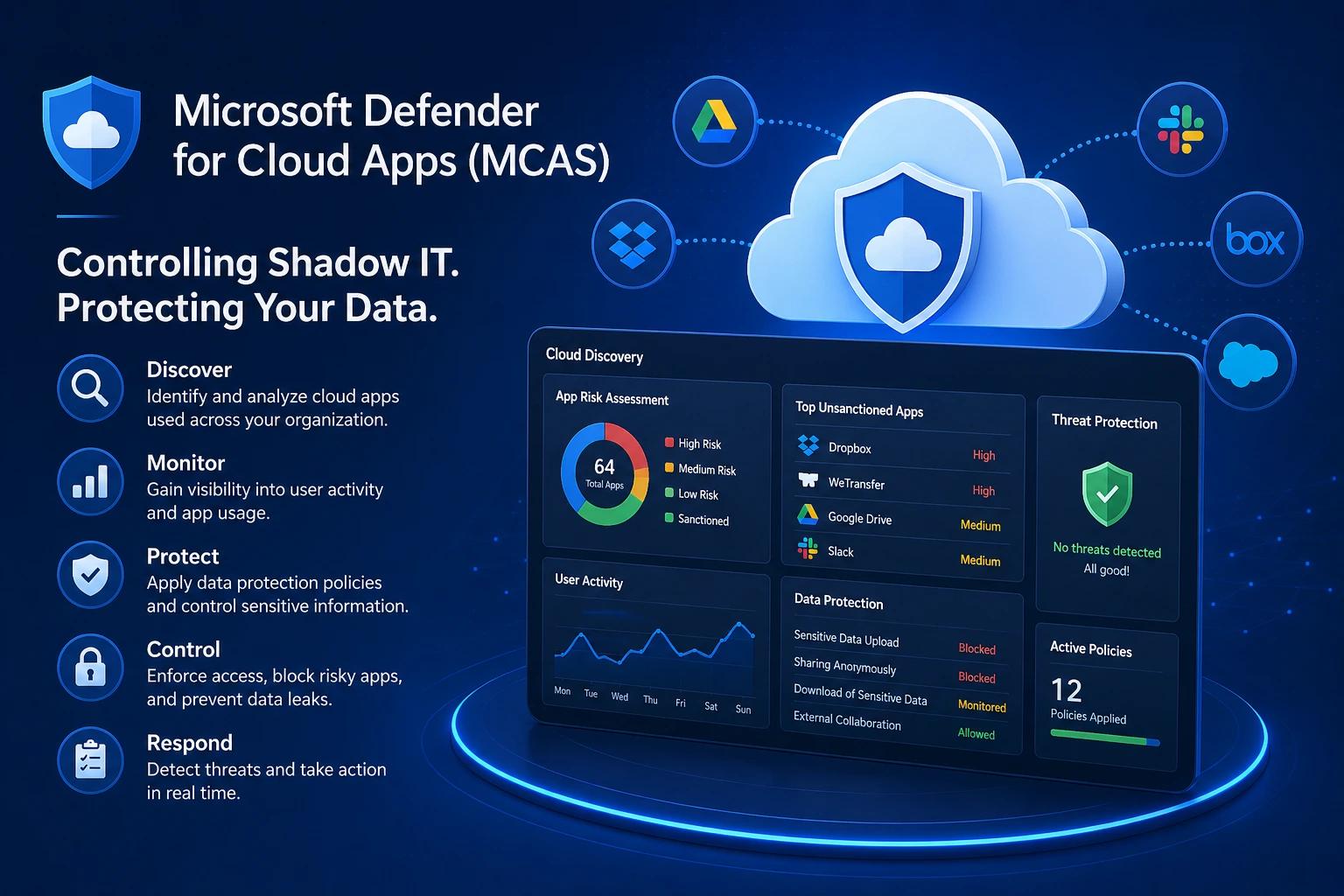
Introduction
Microsoft 365 gives users access to powerful tools — but it also opens the door to something many organizations struggle with:
Shadow IT.
Employees often sign up for third-party apps, upload data, or integrate services without IT approval.
The result?
- Data leaving controlled environments
- Unknown security risks
- Limited visibility for admins
This is where Microsoft Defender for Cloud Apps (MCAS) becomes essential.
What Is Defender for Cloud Apps?
Microsoft Defender for Cloud Apps is a Cloud Access Security Broker (CASB).
It provides visibility and control over how cloud applications are used across your organization.
It helps you:
- Discover shadow IT
- Monitor user activity
- Protect sensitive data
- Enforce security policies
Why Shadow IT Is a Real Problem
Shadow IT isn’t always malicious — it’s often driven by productivity.
But it introduces serious risks:
- Data uploaded to unmanaged apps
- Lack of compliance and governance
- Increased attack surface
- Unmonitored integrations
You can’t secure what you can’t see.
Key Capabilities of Defender for Cloud Apps
1. Cloud Discovery
Identifies apps being used across your environment.
You can:
- Analyze traffic logs
- Discover unsanctioned apps
- Assign risk scores
This gives you visibility into what users are actually doing.
2. App Governance
Classify apps as:
- Sanctioned
- Unsanctioned
Control access accordingly.
3. Activity Monitoring
Track user behavior across applications.
Examples:
- File downloads
- Logins
- Data sharing
- Admin actions
This helps detect abnormal activity early.
4. Data Protection Policies
Protect sensitive information using:
- Data loss prevention (DLP)
- File inspection
- Policy-based restrictions
Example:
Block sharing of files containing sensitive data.
5. Conditional Access App Control
Extend Conditional Access into real-time sessions.
You can:
- Block downloads
- Monitor sessions
- Apply restrictions dynamically
Real-World Use Cases
Unsanctioned App Usage
Detect when employees use:
- Personal file sharing apps
- Unauthorized SaaS tools
Take action by blocking or monitoring.
Data Exfiltration Prevention
Prevent:
- Downloading sensitive files
- Sharing externally
Especially on unmanaged devices.
Risky User Behavior
Detect:
- Unusual login patterns
- Large data transfers
- Suspicious activity
How It Fits in Zero Trust
Defender for Cloud Apps works with:
- Identity Protection → detects risk
- Conditional Access → controls access
- Session Controls → restricts behavior
- MCAS → monitors and enforces across apps
It adds visibility + control beyond Microsoft apps.
Common Mistakes to Avoid
- Ignoring cloud discovery insights
- Not classifying apps properly
- Over-restricting users without context
- Not integrating with Conditional Access
Best Practices
- Start with discovery before enforcement
- Classify high-risk apps first
- Combine with session controls
- Monitor trends regularly
- Educate users on approved tools
Final Thoughts
Shadow IT isn’t going away.
The goal isn’t to eliminate it completely —
it’s to understand it, manage it, and reduce risk.
Defender for Cloud Apps gives you:
- Visibility
- Control
- Context
All critical for a modern cloud security strategy.