Introduction
Data doesn’t just live in one place anymore.
It moves across:
- SharePoint
- OneDrive
- Microsoft Teams
- Third-party apps
And with that movement comes risk.
The challenge for most organizations isn’t just protecting data — it’s doing so without slowing down users.
That’s exactly what Microsoft 365 Data Loss Prevention (DLP) is designed to solve.
What Is Data Loss Prevention (DLP)?
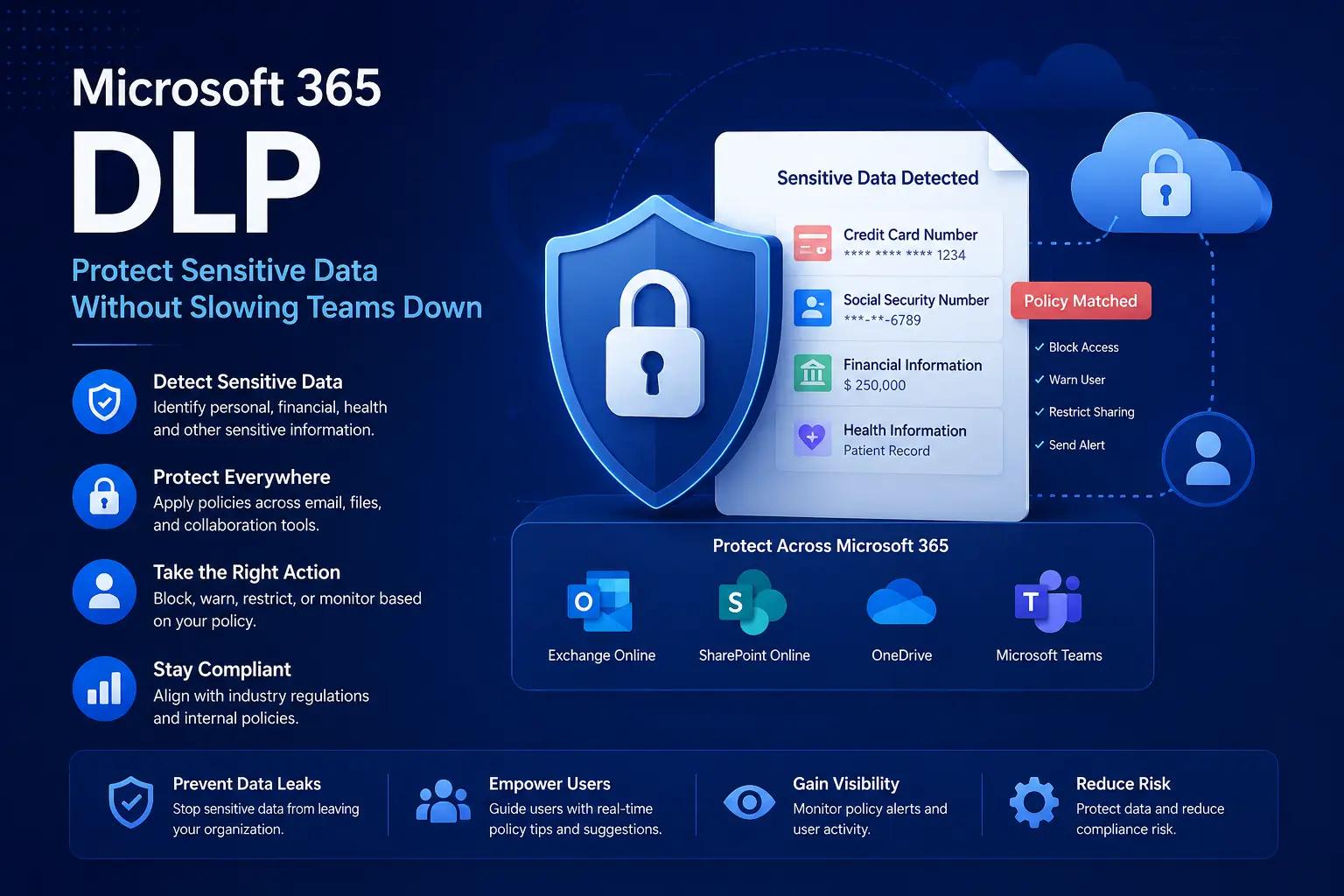
DLP in Microsoft 365 helps identify, monitor, and protect sensitive information across your environment.
It allows you to:
- Detect sensitive data
- Prevent unauthorized sharing
- Apply policy-based controls
- Educate users in real time
Why DLP Matters
Without DLP:
- Sensitive data can be shared accidentally
- Compliance risks increase
- Data leaks go unnoticed
- Users operate without guardrails
Most data leaks aren’t malicious — they’re accidental.
DLP reduces that risk.
Where DLP Works in Microsoft 365
DLP policies apply across:
- Exchange Online (email)
- SharePoint Online
- OneDrive
- Microsoft Teams
This ensures consistent protection across platforms.
How DLP Works (Simple Flow)
- User attempts to share or send data
- System scans content for sensitive information
- Policy evaluates the action
- Action is allowed, blocked, or restricted
- User receives guidance or warning
Types of Sensitive Data DLP Can Detect
Microsoft provides built-in detection for:
- Credit card numbers
- Personal identification numbers
- Financial data
- Health information
You can also define custom sensitive information types.
Policy Actions You Can Apply
DLP doesn’t just block — it gives you flexibility.
You can:
- Block sharing externally
- Show user warnings
- Allow override with justification
- Restrict access to files
- Send alerts to admins
Real-World Use Cases
Prevent Accidental Data Sharing
A user tries to email sensitive financial data.
DLP:
- Detects the content
- Warns the user
- Blocks or allows with justification
Protect Data in Collaboration Tools
Users share files in Teams or SharePoint.
DLP:
- Scans files
- Restricts access
- Prevents external sharing
Compliance Enforcement
Ensure policies align with:
- GDPR
- HIPAA
- Internal governance rules
DLP vs MCAS (Important Distinction)
FeatureDLPMCASFocusData protectionApp visibility & controlScopeM365 dataAll cloud appsUse casePrevent leaksMonitor & govern apps
👉 They work best together.
Best Practices
- Start with audit mode before enforcement
- Avoid overly strict policies
- Use user-friendly policy tips
- Prioritize high-risk data first
- Review and adjust regularly
Common Mistakes
- Blocking too aggressively
- Not educating users
- Ignoring policy alerts
- Applying one-size-fits-all policies
How DLP Fits in Zero Trust
DLP protects the data layer.
Combined with:
- Identity Protection
- Conditional Access
- Session Controls
- MCAS
You get end-to-end protection.
Final Thoughts
Security isn’t just about stopping access —
it’s about protecting what matters most:
Your data.
DLP ensures:
- Sensitive data stays protected
- Users stay productive
- Policies stay enforceable